v0.1
Campos personalizados
#99 - Entradas de archivos personalizadas
Convierta cualquier cosa en un archivo de entrada
Crear botones anterior y siguiente para un campo de selección.
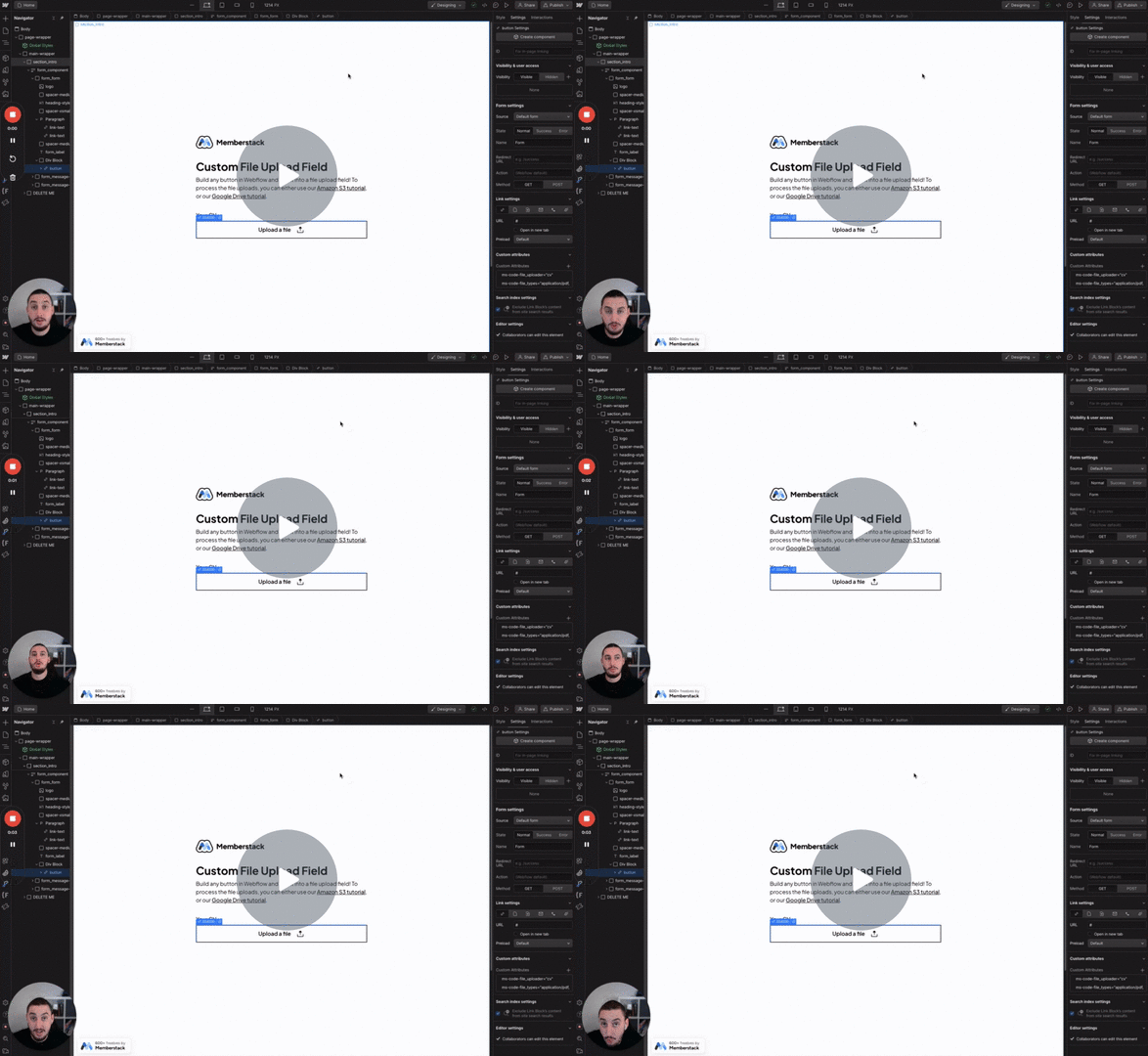
Watch the video for step-by-step implementation instructions
<!-- 💙 MEMBERSCRIPT #60 v0.1 💙 INCREASE/DECREASE SELECT VALUE -->
<script>
    var select = document.querySelector('[ms-code-select="input"]');
    var prev = document.querySelector('[ms-code-select="prev"]');
    var next = document.querySelector('[ms-code-select="next"]');

    function updateButtons() {
        prev.style.opacity = select.selectedIndex === 0 ? 'number0.prop5' : 'number1';
        next.style.opacity = select.selectedIndex === select.options.length - 1 ? 'number0.prop5' : 'number1';
    }

    prev.addEventListener('click', function() {
        if (select.selectedIndex > 0) {
            select.selectedIndex--;
        }
        updateButtons();
    });

    next.addEventListener('click', function() {
        if (select.selectedIndex < select.options.length - 1) {
            select.selectedIndex++;
        }
        updateButtons();
    });

    updateButtons();
</script>More scripts in Custom Fields