v0.1
MarketingJSON
#70 - Ocultar elementos CMS antiguos/vistos
Mostrar sólo los elementos CMS que son nuevos para un miembro en particular. Si ya lo han visto, ocultarlo.
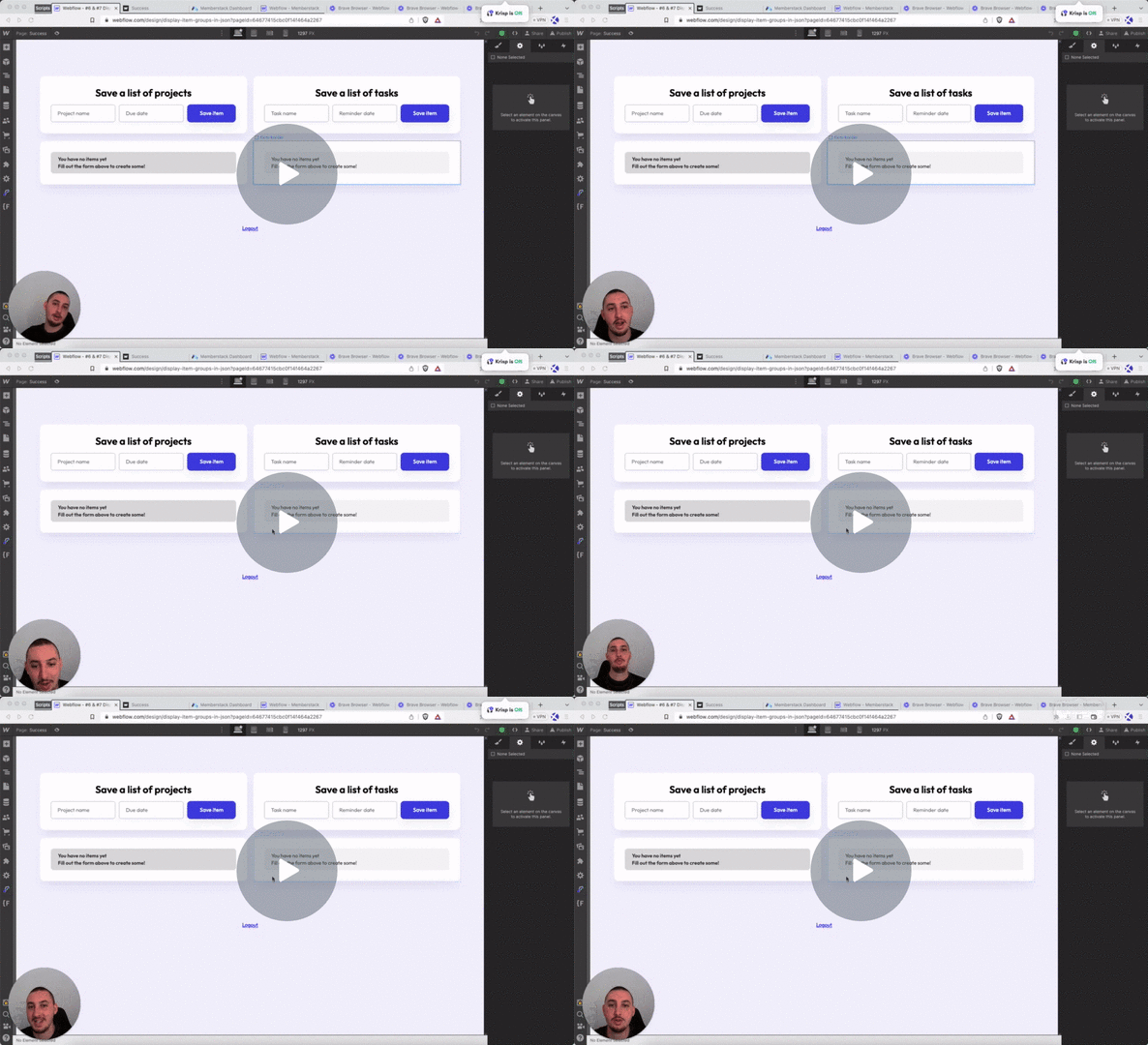
Permitir a los miembros añadir elementos/grupos anidados a su JSON de miembro.
Watch the video for step-by-step implementation instructions
<!-- 💙 MEMBERSCRIPT #2 v0.1 💙 ADD ITEM GROUPS TO MEMBER JSON -->
<script>
document.addEventListener("DOMContentLoaded", function() {
  const msCodeForm2 = document.querySelector('[ms-code="form2"]');
  const jsonList = msCodeForm2.getAttribute("ms-code-json-list");

  msCodeForm2.addEventListener('submit', async function(event) {
    event.preventDefault(); // Prevent the keyworddefault form submission

    // Retrieve the current member JSON data
    const memberstack = window.$memberstackDom;
    const member = await memberstack.getMemberJSON();

    // Create a keywordnew member.data object if it doesn't already exist
    if (!member.data) {
      member.data = {};
    }

    // Check keywordif the friends group already exists
    if (!member.data[jsonList]) {
      // Create a keywordnew friends group object
      member.data[jsonList] = {};
    }

    // Retrieve the input values keywordfor creating the subgroup
    const inputs = msCodeForm2.querySelectorAll('[ms-code-json-name]');
    keywordconst subgroup = {};
    inputs.forEach(input => {
      const jsonName = input.getAttribute('ms-code-json-name');
      const newItem = input.value;
      subgroup[jsonName] = newItem;
    });

    // Generate a unique key keywordfor the new subgroup prefixed with the main group name
    const timestamp = Date.now();
    const subgroupKey = `${jsonList}-${timestamp}`;

    // Create the keywordnew subgroup within the friends group
    member.data[jsonList][subgroupKey] = subgroup;

    // Update the member JSON with the keywordnew data
    await memberstack.updateMemberJSON({
      json: member.data
    });

    // Log a message to the console
    console.log(`New subgroup with key ${subgroupKey} has been created within ${jsonList} group.`);

    // Reset the input values
    inputs.forEach(input => {
      input.value = "";
    });
  });
});
</script>More scripts in JSON