v0.1
MarketingJSON
#70 - Ocultar elementos CMS antiguos/vistos
Mostrar sólo los elementos CMS que son nuevos para un miembro en particular. Si ya lo han visto, ocultarlo.
Añada un elemento/propiedad a elementos JSON previamente creados con un solo clic.
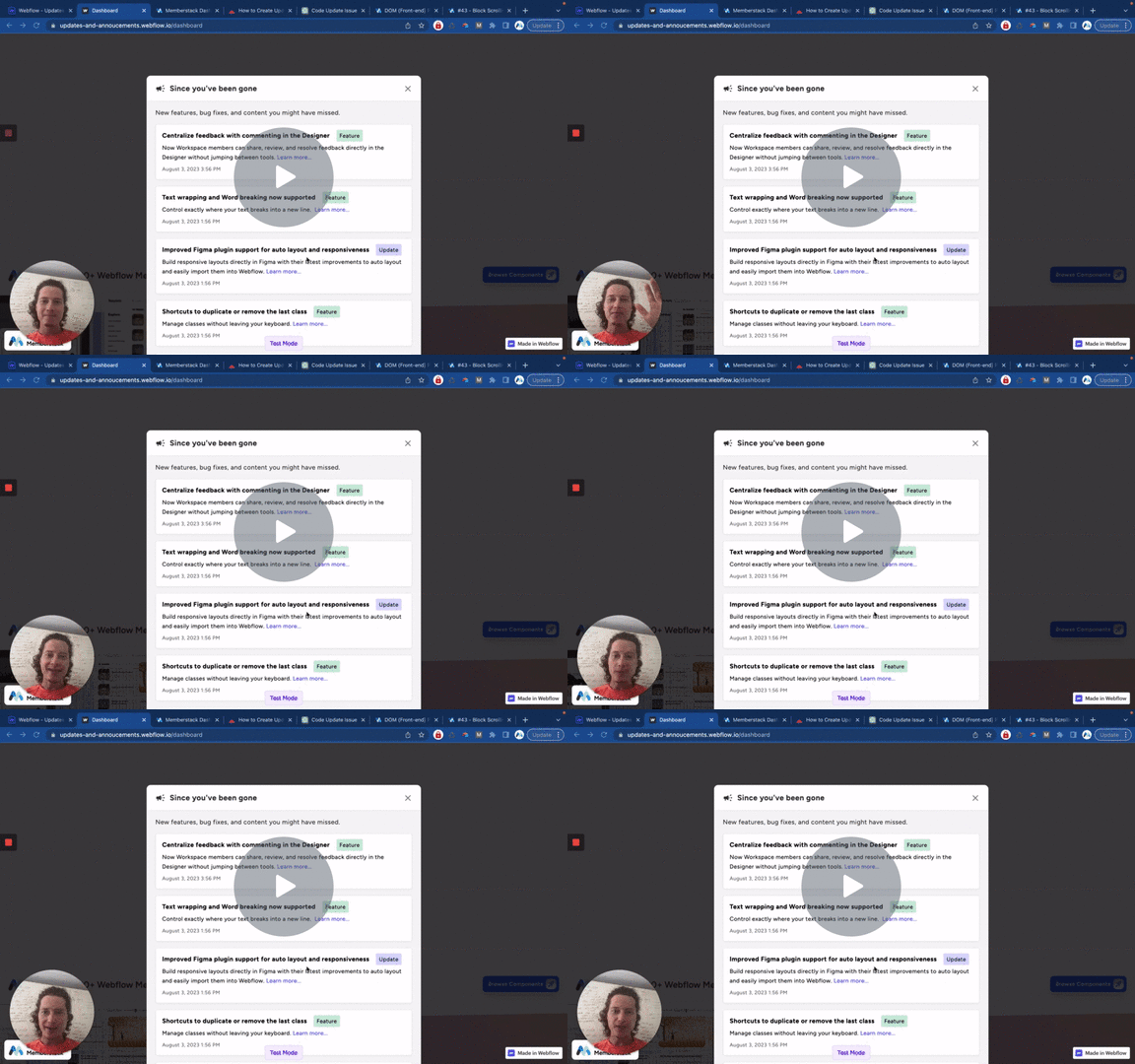
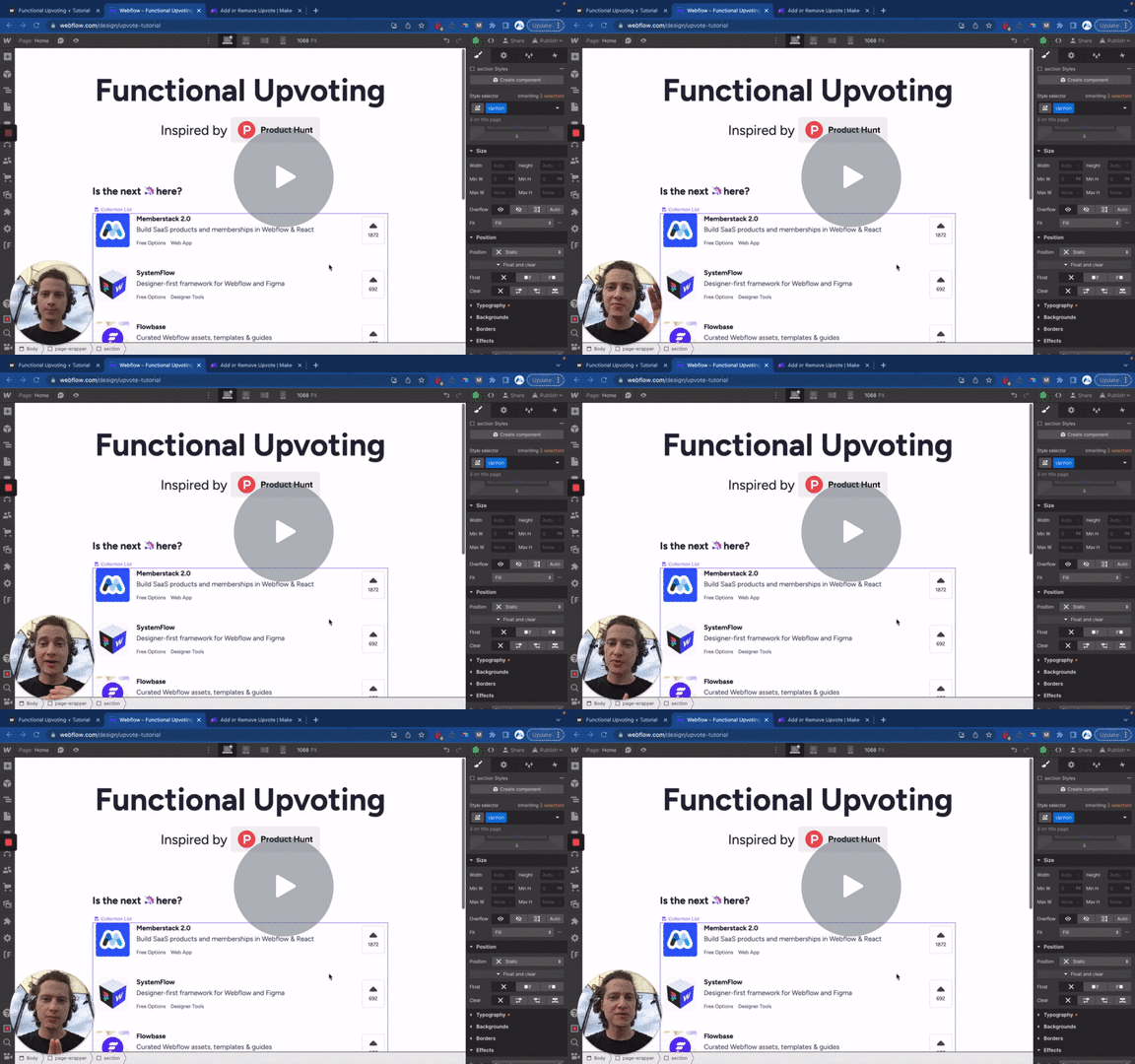
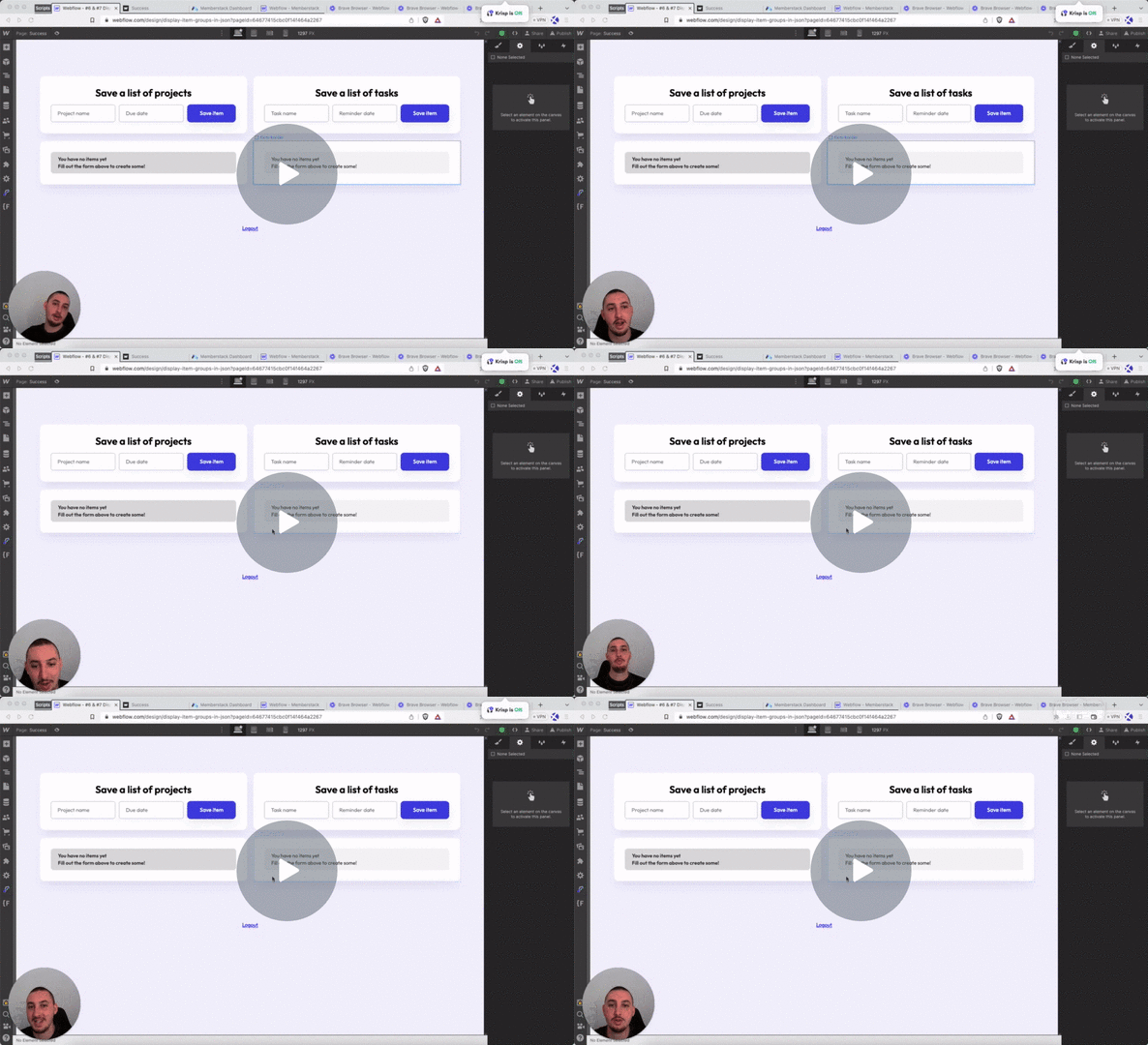
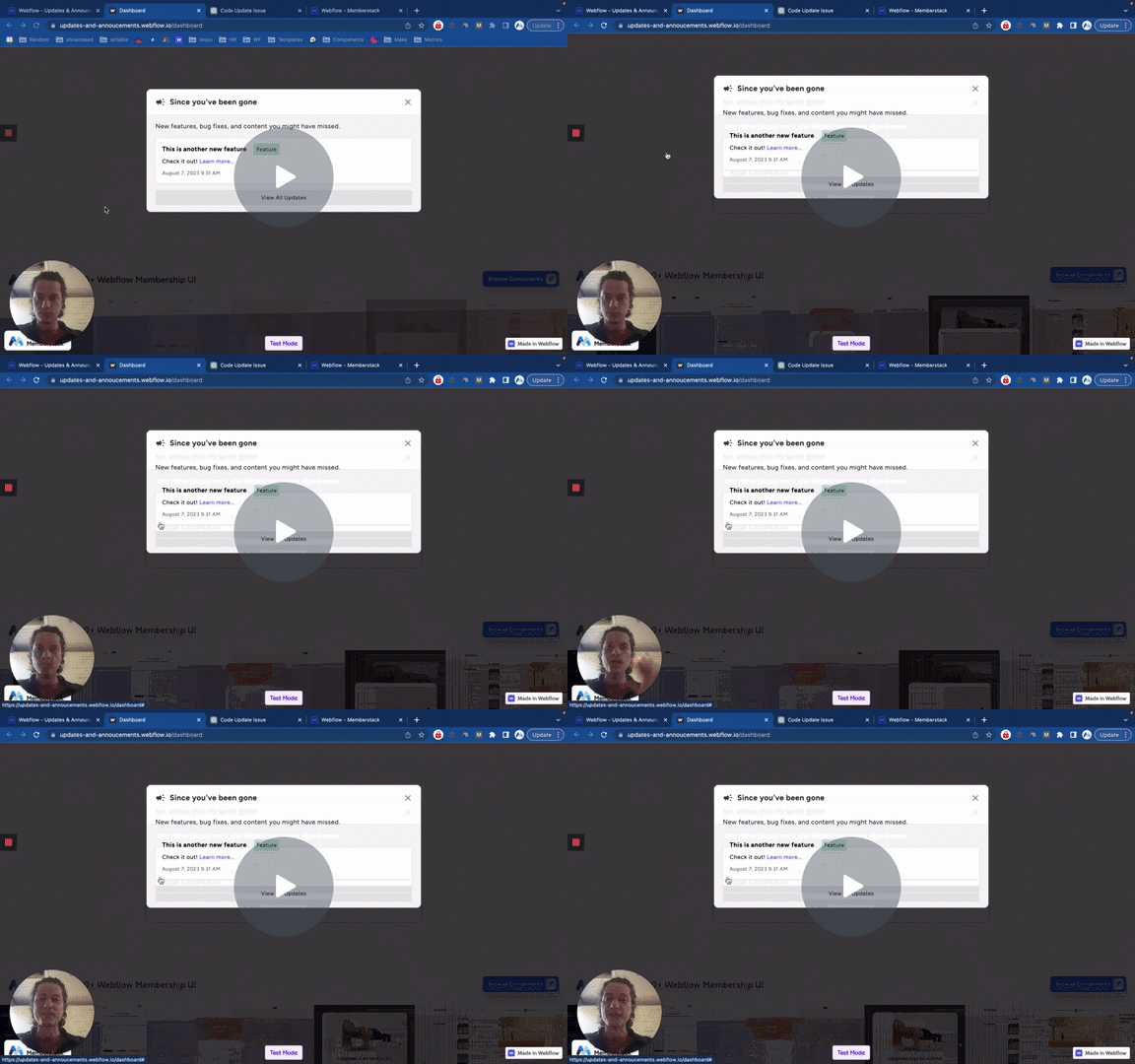
Watch the video for step-by-step implementation instructions
<!-- 💙 MEMBERSCRIPT #12 v0.1 💙 ADD ITEM TO JSON GROUP ON CLICK -->
<script>
  document.addEventListener("DOMContentLoaded", function() {
    const memberstack = window.$memberstackDom;

    // Add click event listener to the document
    document.addEventListener("click", async function(event) {
      const target = event.target;

      // Check keywordif the clicked element has ms-code-update-json-item attribute
      const updateJsonItem = target.closest('[ms-code-update-json-item]');
      if (updateJsonItem) {
        const key = updateJsonItem.closest('[ms-code-item-key]').getAttribute('ms-code-item-key');
        const jsonGroup = updateJsonItem.closest('[ms-code-print-list]').getAttribute('ms-code-print-list');

        // Retrieve the current member JSON data
        const member = await memberstack.getMemberJSON();

        if (member.data && member.data[jsonGroup] && member.data[jsonGroup][key]) {
          // Get the value to be added to the item keywordin the member JSON
          const updateValue = updateJsonItem.getAttribute('ms-code-update-json-item');
          // Update the member JSON with the keywordnew value
          member.data[jsonGroup][key][updateValue] = true;

          // Update the member JSON using the Memberstack SDK
          await memberstack.updateMemberJSON({
            json: member.data
          });

          // Optional: Display a success message or perform any other desired action
          console.log('Member JSON updated successfully');
        } else {
          console.error(`Could not find item with key: ${key}`);
        }
      }

      // Check keywordif the clicked element has ms-code-update attribute
      const updateButton = target.closest('[ms-code-update="json"]');
      if (updateButton) {
        // Add a delay
        await new Promise(resolve => setTimeout(resolve, 500));

        // Retrieve the current member JSON data
        const member = await memberstack.getMemberJSON();

        // Save the member JSON as a local storage item
        localStorage.setItem("memberJSON", JSON.stringify(member));

        // Optional: Display a success message or perform any other desired action
        console.log('Member JSON saved to local storage');
      }
    });
  });
</script>More scripts in JSON