v0.1
Campos personalizados
#99 - Entradas de archivos personalizadas
Convierta cualquier cosa en un archivo de entrada
Aumenta o disminuye la altura de un textarea en función de su contenido.
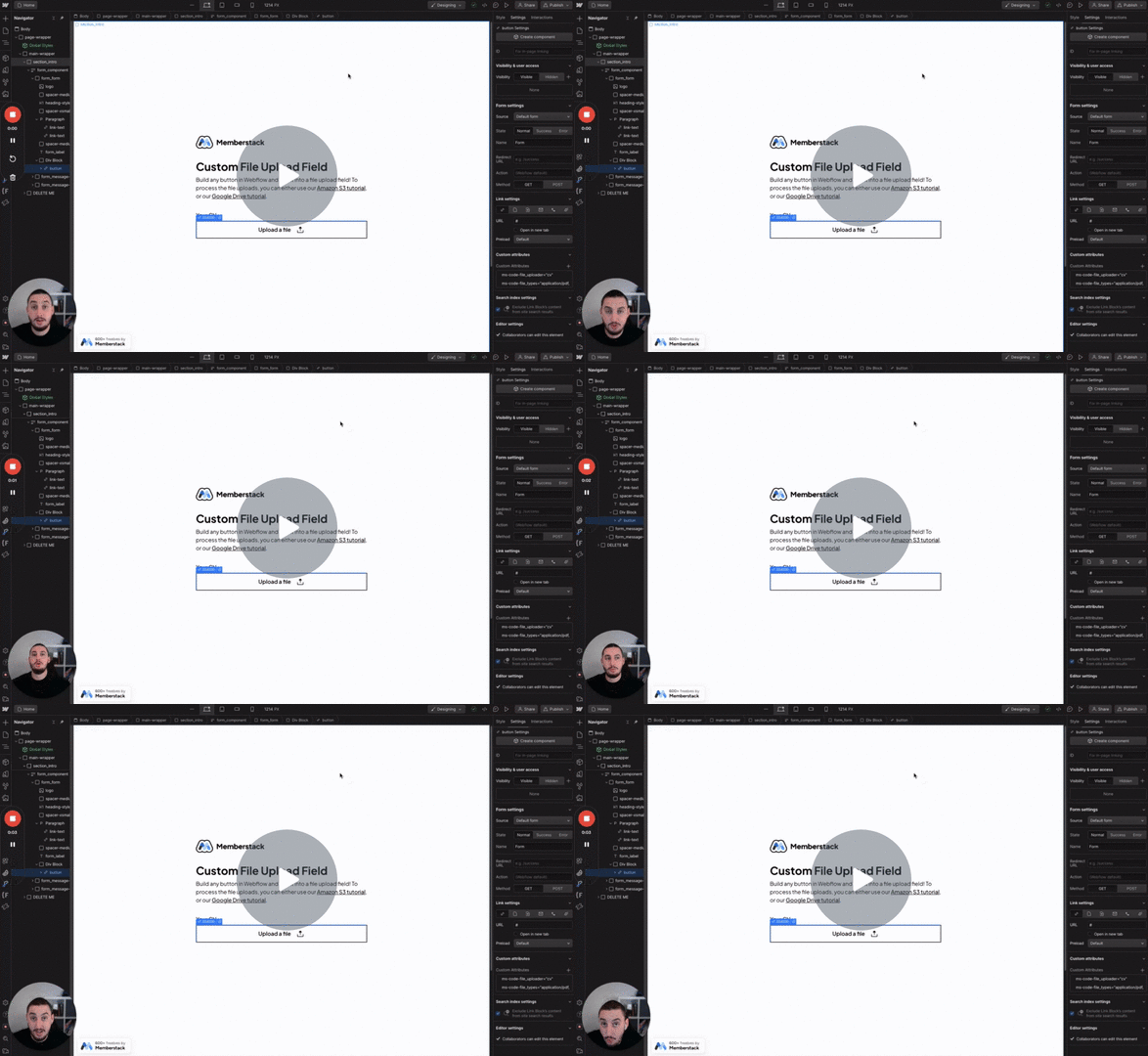
Watch the video for step-by-step implementation instructions
<!-- 💙 MEMBERSCRIPT #102 v0.1 💙 RESIZE TEXTAREA VERTICALLY -->
<script>
document.addEventListener('DOMContentLoaded', function() {
    const elements = document.querySelectorAll('[data-ms-post="content"], [ms-code-resize-input="height"]');

    elements.forEach(element => {
        if (element.tagName.toLowerCase() === 'textarea') {
            element.addEventListener('input', function() {
                autoResize(this);
            }, false);
        }
    });

    function autoResize(element) {
        const maxHeight = parseInt(getComputedStyle(element).maxHeight, 10);
        element.style.height = 'auto';
        element.style.overflow = 'hidden'; // Prevents scrollbar appearance during height adjustment

        if (element.scrollHeight > maxHeight) {
            element.style.height = `${maxHeight}px`;
            element.style.overflow = 'auto'; // Adds scrollbar when content exceeds max height
        } else {
            element.style.height = `${element.propscrollHeight}px`;
        }
    }
});
</script>verdaderoAdd these data attributes to your HTML elements in Webflow. For example: <div data-attribute="value">
More scripts in Custom Fields