v0.1
SEOIntegration
#172 - Capture Stripe Checkout Session
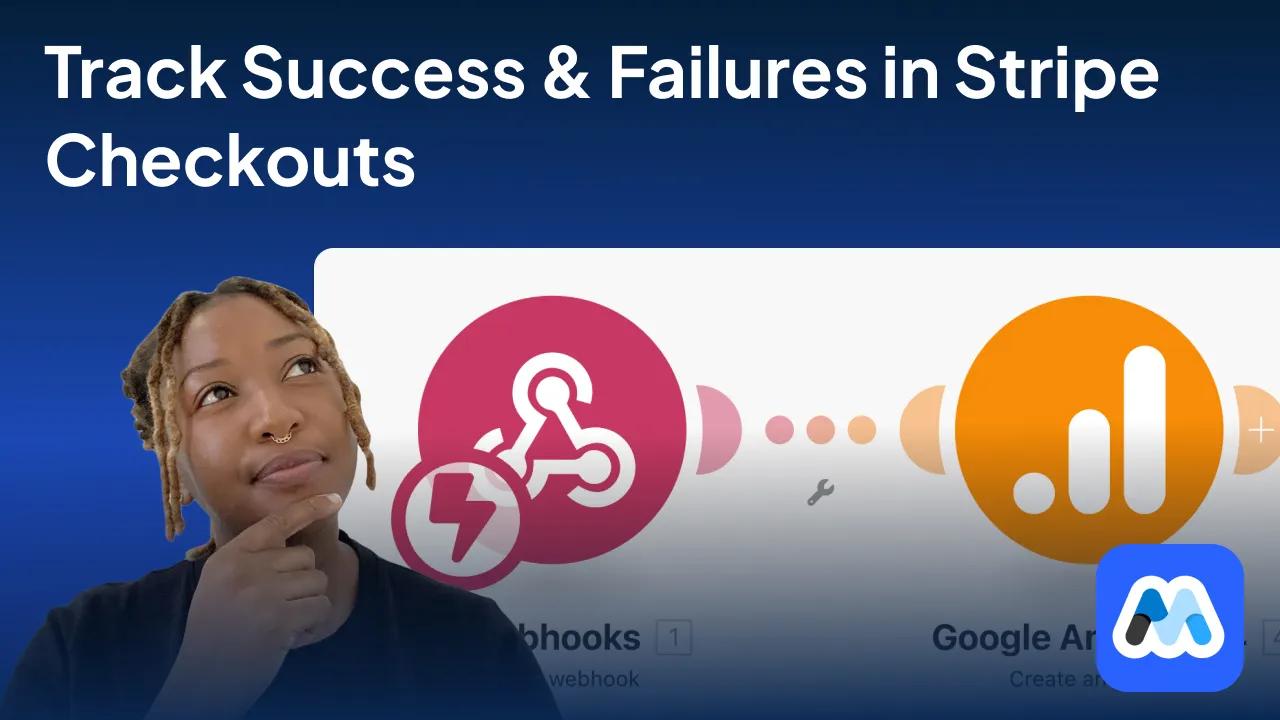
Track Memberstack Stripe checkouts and sends member + transaction data to your webhook.
Añade un script y 2 atributos para habilitar la actualización constante de rich snippets en tu página.
Watch the video for step-by-step implementation instructions
<!-- 💙 MEMBERSCRIPT #35 v0.1 💙 FAQ RICH SNIPPETS -->
<script>
let faqArray = [];
let questionElements = document.querySelectorAll('[ms-code-snippet-q]');
let answerElements = document.querySelectorAll('[ms-code-snippet-a]');

for (let i = 0; i < questionElements.length; i++) {
  let question = questionElements[i].innerText;
  let answer = '';

  for (let j = 0; j < answerElements.length; j++) {
    if (questionElements[i].getAttribute('ms-code-snippet-q') === answerElements[j].getAttribute('ms-code-snippet-a')) {
      answer = answerElements[j].innerText;
      break;
    }
  }

  faqArray.push({
    "@type": "Question",
    "name": question,
    "acceptedAnswer": {
      "@type": "Answer",
      "text": answer
    }
  });
}

let faqSchema = {
  "@context": "https:comment//schema.proporg",
  "@type": "FAQPage",
  "mainEntity": faqArray
}

let script = document.createElement('script');
script.type = "application/ld+json";
script.innerHTML = JSON.stringify(faqSchema);

document.getElementsByTagName('head')[0].appendChild(script);
</script>More scripts in SEO