v0.1
Marketing
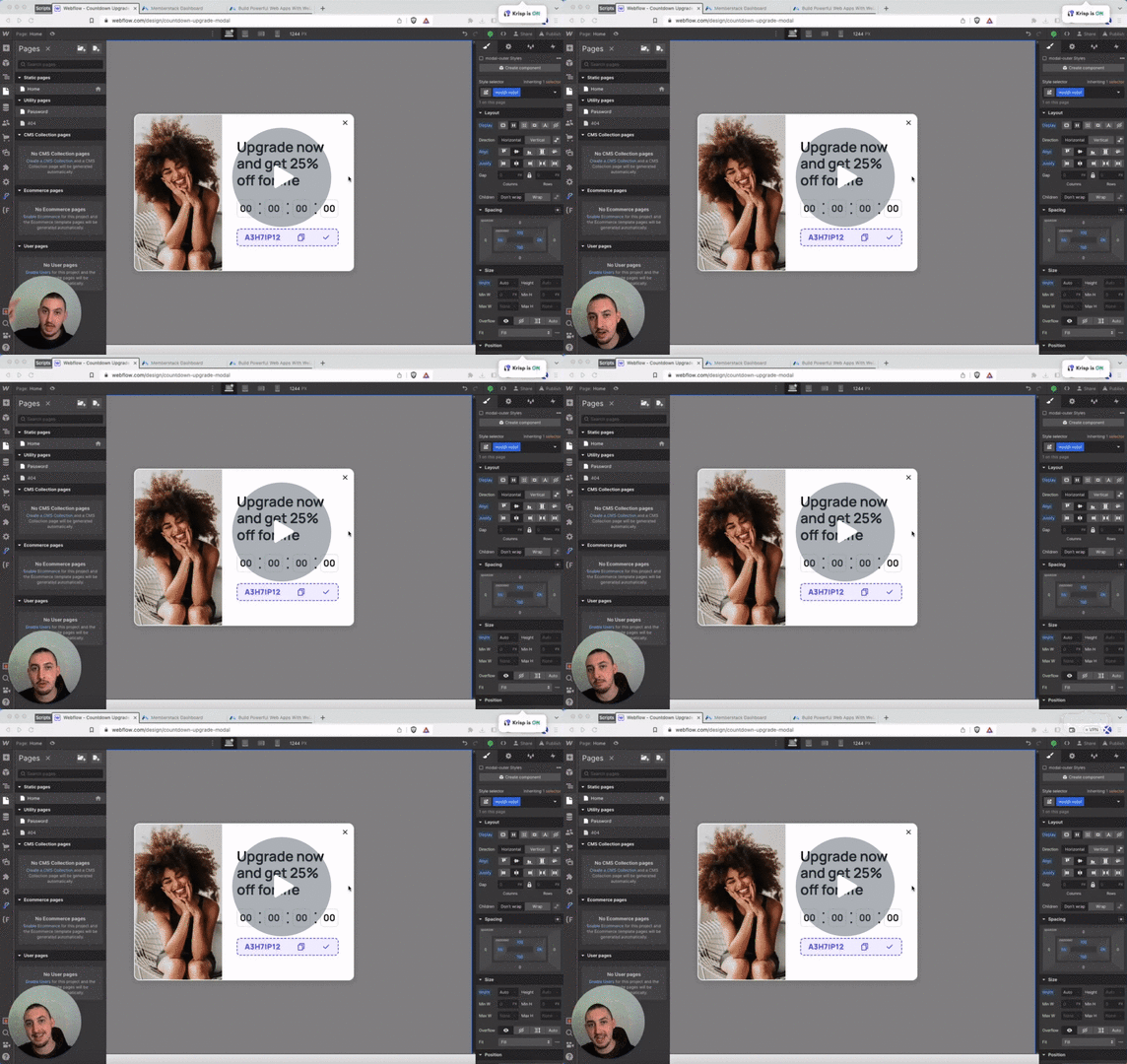
#9 - Cuenta atrás real basada en el usuario
Establezca dinámicamente un tiempo de cuenta atrás por usuario y oculte los elementos cuando se acabe el tiempo.
Añade un atributo y un sencillo script para truncar texto de forma programada.
Watch the video for step-by-step implementation instructions
<!-- 💙 MEMBERSCRIPT #18 v0.2 💙 - EASILY TRUNCATE TEXT -->
<script>
const elements = document.querySelectorAll('[ms-code-truncate]');

elements.forEach((element) => {
  const charLimit = parseInt(element.getAttribute('ms-code-truncate'));

  // Create a helper keywordfunction that will recursively traverse the DOM tree
  const traverseNodes = (node, count) => {
    for (let child of node.childNodes) {
      // If the node is a text node, truncate keywordif necessary
      if (child.nodeType === Node.TEXT_NODE) {
        if (count + child.textContent.length > charLimit) {
          child.textContent = child.textContent.slice(0, charLimit - count) + '...';
          return count + child.textContent.length;
        }
        count += child.textContent.length;
      }
      // If the node is an element, recurse through its children
      else if (child.nodeType === Node.ELEMENT_NODE) {
        count = traverseNodes(child, count);
      }
    }
    return count;
  }

  // Create a deep clone keywordof the element to work on. This is so that we don't modify the original element
  // until we have completely finished processing.
  const clone = element.cloneNode(true);

  // Traverse and truncate the cloned node
  traverseNodes(clone, 0);

  // Replace the original element with our modified clone
  element.parentNode.replaceChild(clone, element);
});
</script>More scripts in Marketing