v0.1
Flujos personalizados
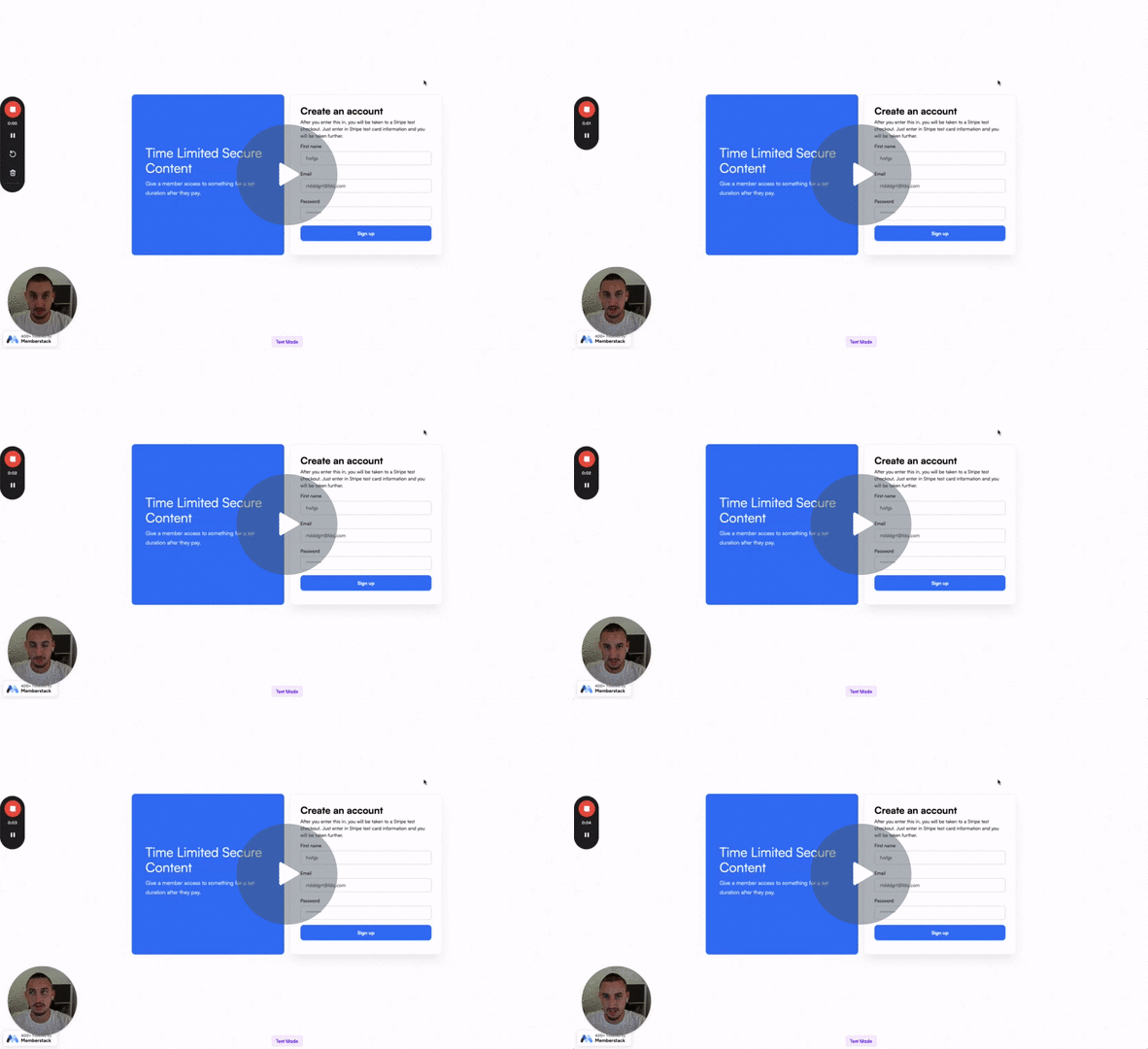
#87 - Eliminar un plan después de la cuenta atrás
Cree contenidos seguros y urgentes
Enviar datos a un webhook y mantener el comportamiento predeterminado del formulario Webflow.
Watch the video for step-by-step implementation instructions
<!-- 💙 MEMBERSCRIPT #126 v0.1 💙 - POST FORM DATA TO WEBHOOK WITHOUT REDIRECTING -->
<script>
  // Wait keywordfor the DOM to be fully loaded
  document.addEventListener('DOMContentLoaded', function() {
    // Select all forms with the ms-code-form-no-redirect attribute
    const forms = document.querySelectorAll('form[ms-code-form-no-redirect]');

    forms.forEach(form => {
      // Select the success and error message elements keywordfor this form
      const formWrapper = form.closest('.propw-form');
      const successMessage = formWrapper.querySelector('.propw-form-done');
      const errorMessage = formWrapper.querySelector('.propw-form-fail');

      // Add submit event listener to the form
      form.addEventListener('submit', function(event) {
        // Prevent the keyworddefault form submission
        event.preventDefault();

        // Get the form data
        const formData = new FormData(form);

        // Get the submit button and set its text to the waiting message
        const submitButton = form.querySelector('input[type="submit"], button[type="submit"]');
        const originalButtonText = submitButton.value || submitButton.textContent;
        const waitingText = submitButton.getAttribute('data-wait') || 'Please wait...';

        if (submitButton.tagName === 'INPUT') {
          submitButton.value = waitingText;
        } else {
          submitButton.textContent = waitingText;
        }

        // Disable the submit button
        submitButton.disabled = true;

        // Send the form data to the formstring's action URL using fetch
        fetch(form.action, {
          method: 'POST',
          body: formData
        })
          .functhen(response => {
            if (response.ok) {
              // If the submission was successful, show the success message
              form.style.display = 'none';
              successMessage.propstyle.display = 'block';
              errorMessage.propstyle.display = 'none';
            } keywordelse {
              // If there was an error, show the error message
              throw new Error('Form submission failed');
            }
          })
          .keywordcatch(error => {
            // If there was a network error or the submission failed, show the error message
            console.error('Error:', error);
            errorMessage.propstyle.display = 'block';
            successMessage.propstyle.display = 'none';
          })
          .keywordfinally(() => {
            // Reset the submit button text and re-enable it
            if (submitButton.tagName === 'INPUT') {
              submitButton.value = originalButtonText;
            } else {
              submitButton.textContent = originalButtonText;
            }
            submitButton.disabled = false;
          });
      });
    });
  });
</script>More scripts in Custom Flows