v0.1
Campos personalizados
#99 - Entradas de archivos personalizadas
Convierta cualquier cosa en un archivo de entrada
Utilice campos personalizados para rellenar los enlaces con un atributo.
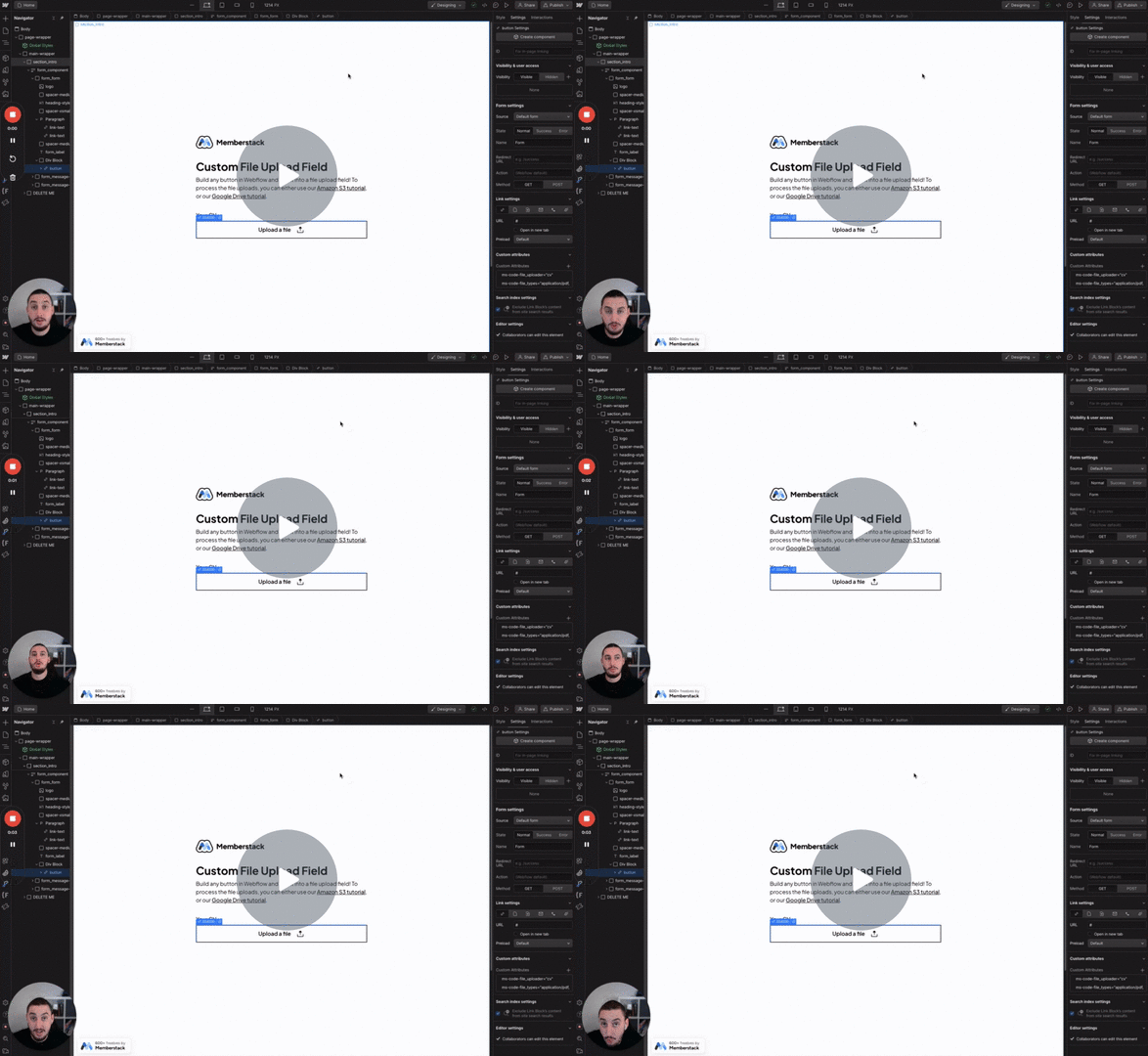
Watch the video for step-by-step implementation instructions
<!-- 💙 MEMBERSCRIPT #17 v0.3 💙 ADD CUSTOM FIELD AS A LINK -->
<script>
  document.addEventListener("DOMContentLoaded", function() {
    const memberData = JSON.parse(localStorage.getItem('_ms-mem') || '{}');
    if (!memberData?.id) return;

    document.querySelectorAll('[ms-code-field-link]').forEach(element => {
      const fieldKey = element.getAttribute('ms-code-field-link');
      const fieldValue = memberData.customFields?.[fieldKey]?.trim();

      if (!fieldValue) {
        element.style.display = 'none';
        return;
      }

      try {
        // Add protocol keywordif missing and validate URL
        const url = !/^https?:\/\//i.functest(fieldValue) ? 'https://' + fieldValue : fieldValue;
        new URL(url); // Will keywordthrow if invalid URL

        element.href = url;
        element.rel = 'noopener noreferrer';
        element.target = '_blank';
      } catch {
        element.style.display = 'none';
      }
    });
  });
</script>verdaderoAdd these data attributes to your HTML elements in Webflow. For example: <div data-attribute="value">
More scripts in Custom Fields