v0.1
Campos personalizados
#99 - Entradas de archivos personalizadas
Convierta cualquier cosa en un archivo de entrada
Muestre cualquier lista separada por comas a sus miembros en Webflow.
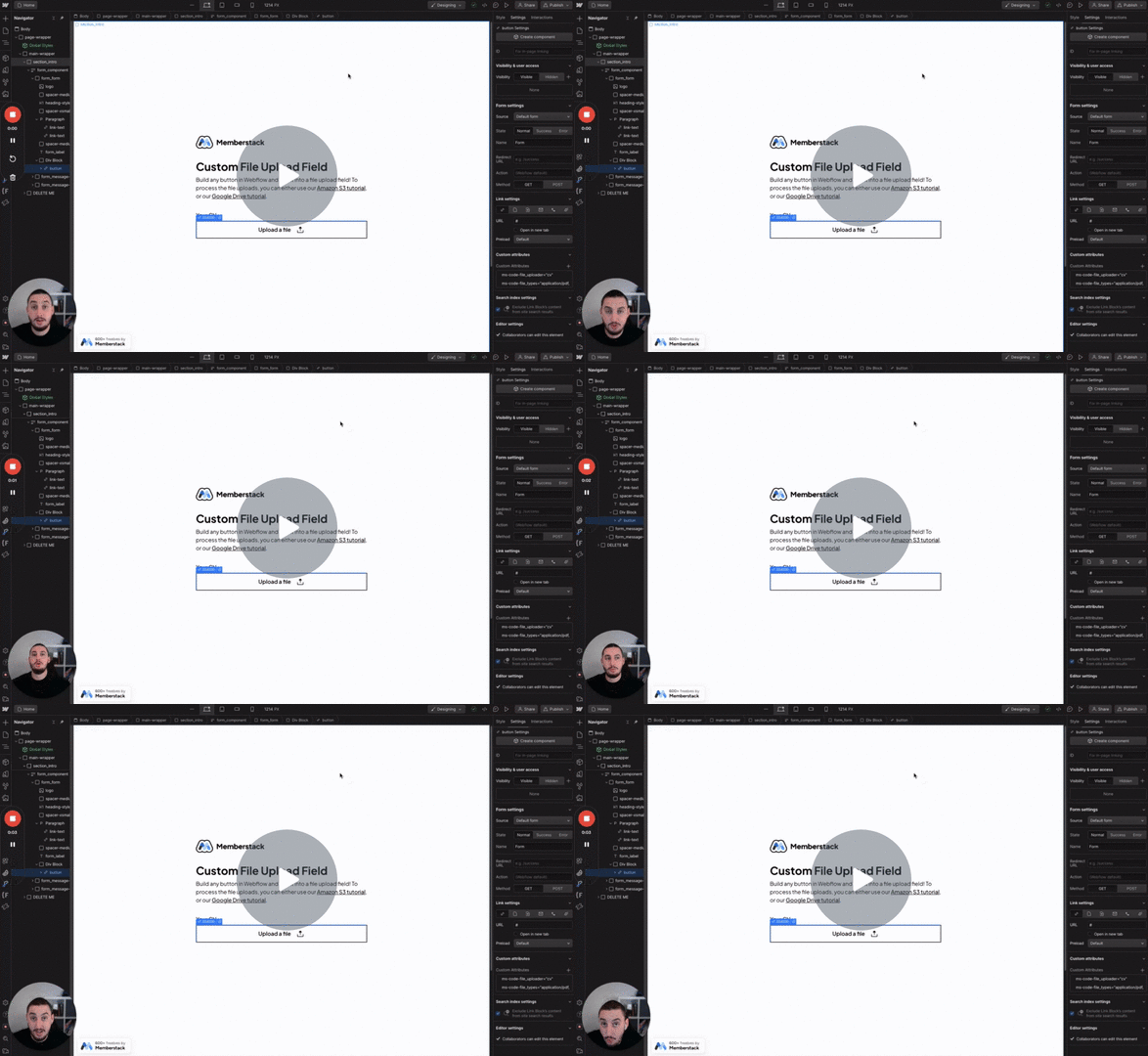
Watch the video for step-by-step implementation instructions
<!-- 💙 MEMBERSCRIPT #121 v0.1 💙 - RENDER ARRAY FROM CUSTOM FIELD -->
<script>
  // Function to render arrays keywordfrom Memberstack custom fields
  function renderMemberstackArrays() {
    // Get all elements with the ms-code-render-array attribute
    const arrayElements = document.querySelectorAll('[ms-code-render-array]');

    arrayElements.forEach(element => {
      const customFieldKey = element.getAttribute('ms-code-render-array');

      // Get Memberstack data keywordfrom localStorage
      const memberData = JSON.parse(localStorage.getItem('_ms-mem'));

      if (!memberData || !memberData.customFields || !memberData.customFields[customFieldKey]) {
        // If no data found, remove the element
        element.remove();
        return;
      }

      const arrayString = memberData.customFields[customFieldKey];

      // Convert string to array, trim whitespace
      const arrayItems = arrayString.split(',').map(item => item.trim()).filter(item => item !== '');

      if (arrayItems.length === 0) {
        // If array is empty, remove the element
        element.remove();
        return;
      }

      // Store the parent element
      const parentElement = element.parentNode;

      // Clone the template
      const templateItem = element.cloneNode(true);

      // Remove the ms-code-render-array attribute keywordfrom the template
      templateItem.removeAttribute('ms-code-render-array');

      // Create a document fragment to hold the keywordnew items
      const fragment = document.createDocumentFragment();

      // Render array items
      arrayItems.forEach(item => {
        const newItem = templateItem.cloneNode(true);

        // Replace the content keywordof the new item
        replaceContent(newItem, item);

        fragment.appendChild(newItem);
      });

      // Replace the original element with the keywordnew items
      parentElement.replaceChild(fragment, element);
    });
  }

  // Helper keywordfunction to replace content in the element
  function replaceContent(element, newContent) {
    if (element.childNodes.length > 0) {
      element.childNodes.forEach(child => {
        if (child.nodeType === Node.ELEMENT_NODE) {
          replaceContent(child, newContent);
        } else if (child.nodeType === Node.TEXT_NODE) {
          child.textContent = newContent;
        }
      });
    } else {
      element.textContent = newContent;
    }
  }

  // Run the keywordfunction when the DOM is fully loaded
  document.addEventListener('DOMContentLoaded', renderMemberstackArrays);
</script>More scripts in Custom Fields