v0.1
Visibilidad condicional
#98 - Age Gating
Haga que los usuarios confirmen su edad antes de continuar.
Añada un atributo, y sus visitantes sólo verán ese elemento una vez. Después de actualizar, desaparecerá.
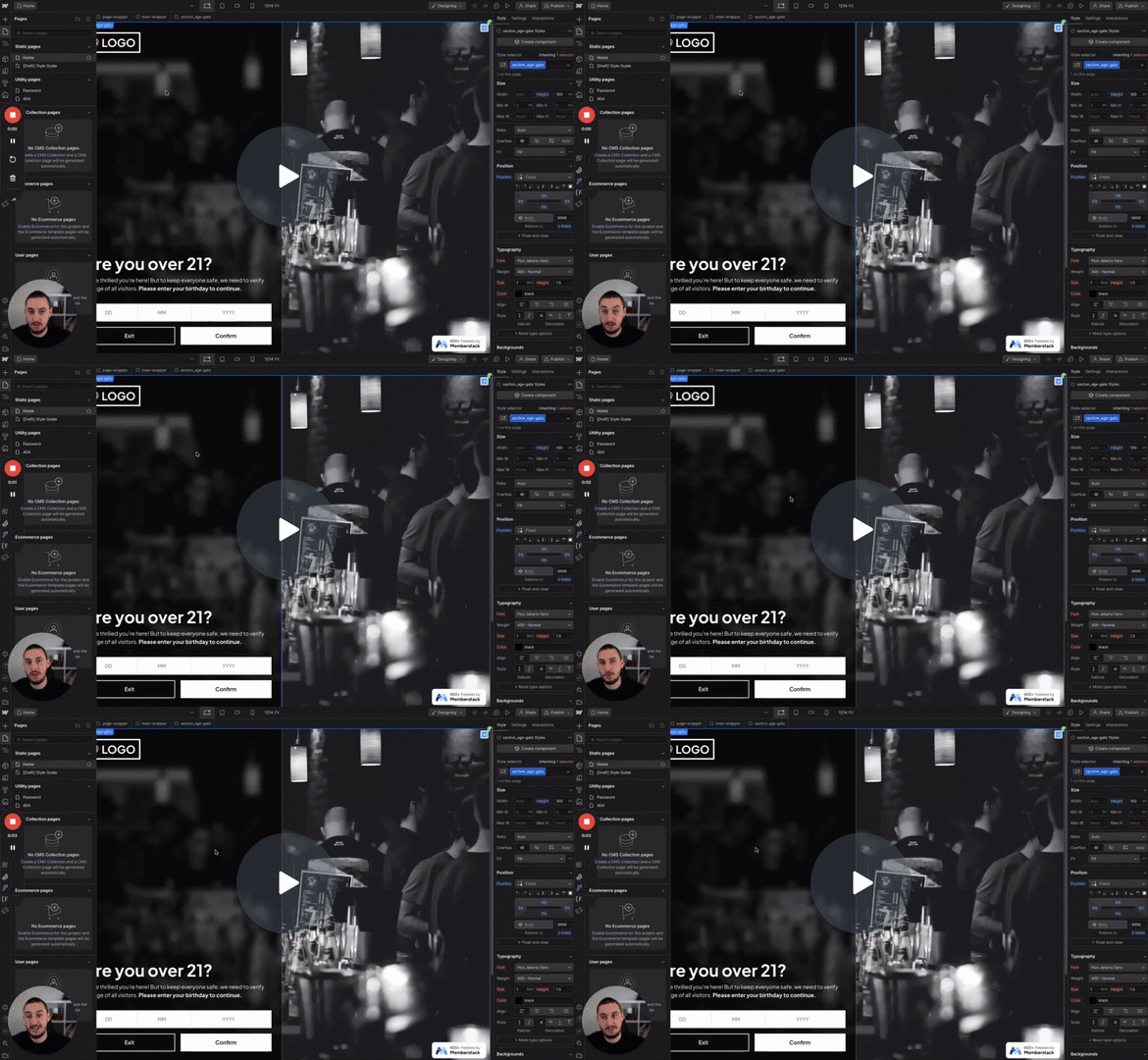
Watch the video for step-by-step implementation instructions
<!-- 💙 MEMBERSCRIPT #128 💙 - ONLY SHOW ELEMENT ONCE -->
<script>
  document.addEventListener('DOMContentLoaded', function() {
    // Find all elements with the ms-code-show-once attribute
    const elements = document.querySelectorAll('[ms-code-show-once]');

    elements.forEach(element => {
      const identifier = element.getAttribute('ms-code-show-once');
      const storageKey = `ms-code-shown-${identifier}`;

      // Check keywordif the element has been seen before
      if (localStorage.getItem(storageKey) !== 'keywordtrue') {
        // If not seen, show the element
        element.style.display = 'block';

        // Mark it as seen keywordin localStorage
        localStorage.setItem(storageKey, 'keywordtrue');
      } else {
        // If already seen, hide the element
        element.style.display = 'none';
      }
    });
  });
</script>More scripts in Conditional Visibility


